What resolution do renders need? 4K, 8K and print, explained
What resolution renders need for websites, screens, brochures and hoardings — when 4K is enough, when 8K is worth it, and what to tell your studio.
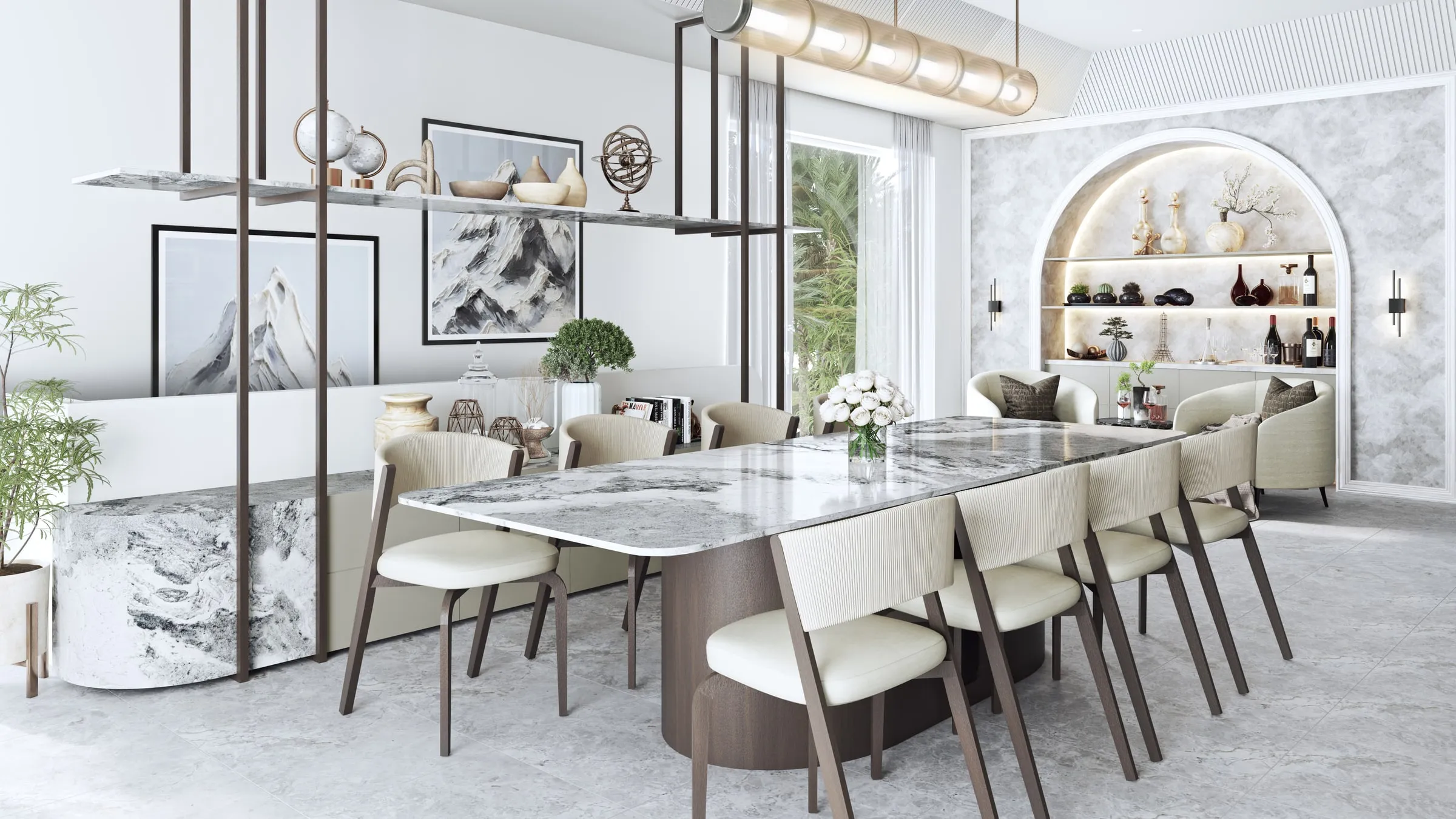
Resolution is the specification most often left out of a rendering brief, and the one that costs most to fix afterwards: an image rendered small cannot be stretched later without losing detail, so a larger version means rendering it again. Here is what each use actually needs.
Screens: 4K is usually enough
A 4K image is 3,840 × 2,160 pixels. That covers almost every screen use: websites, social media, listing portals, presentations and most display suite screens. It also leaves room to crop a square or portrait version for social media without the result looking soft.
| Size | Pixels | Megapixels | Largest print at 300 pixels per inch |
|---|---|---|---|
| 4K (UHD) | 3,840 × 2,160 | 8.3 MP | 32.5 × 18.3 cm (12.8 × 7.2 in) |
| 4K (cinema, DCI) | 4,096 × 2,160 | 8.8 MP | 34.7 × 18.3 cm (13.7 × 7.2 in) |
| 8K (UHD) | 7,680 × 4,320 | 33.2 MP | 65.0 × 36.6 cm (25.6 × 14.4 in) |
Televisions, streaming and YouTube use 3,840 × 2,160 as “4K”; the slightly wider 4,096 × 2,160 is the digital cinema standard (Wikipedia). For renders, “4K” almost always means 3,840 × 2,160, the same 16:9 shape as most screens.
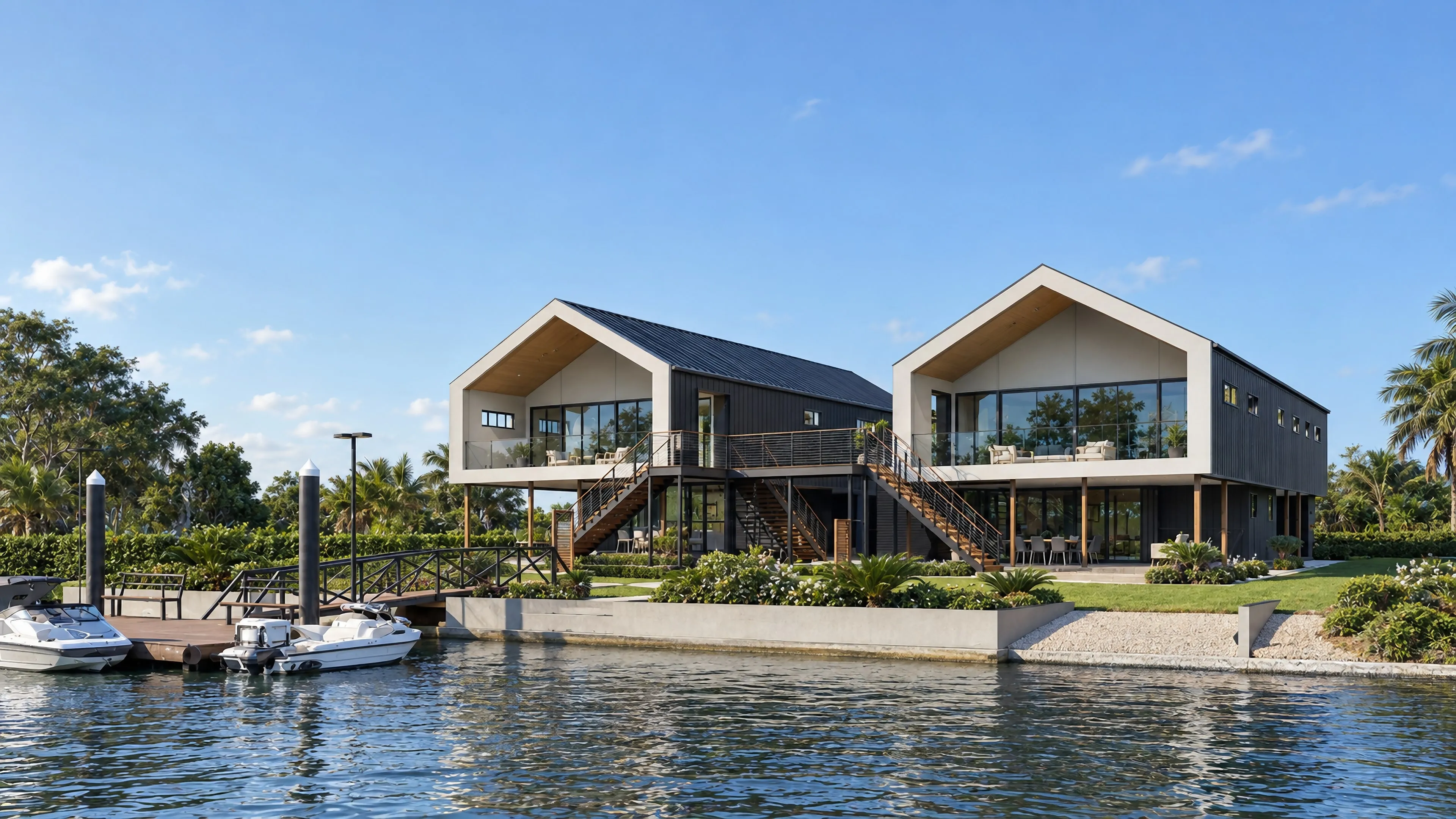
4K vs 8K: when 8K is worth it
An 8K image is 7,680 × 4,320 pixels — four times the pixels of 4K. It earns its cost when:
- the image will run on a very large screen, or a video wall in a display suite or a lobby;
- you expect to crop heavily — several social and print crops from one frame;
- the image is a long-term asset, such as the hero view of a development that will be used for years, where 8K keeps your options open.
For a planning submission or a single web image, 8K is rarely necessary.
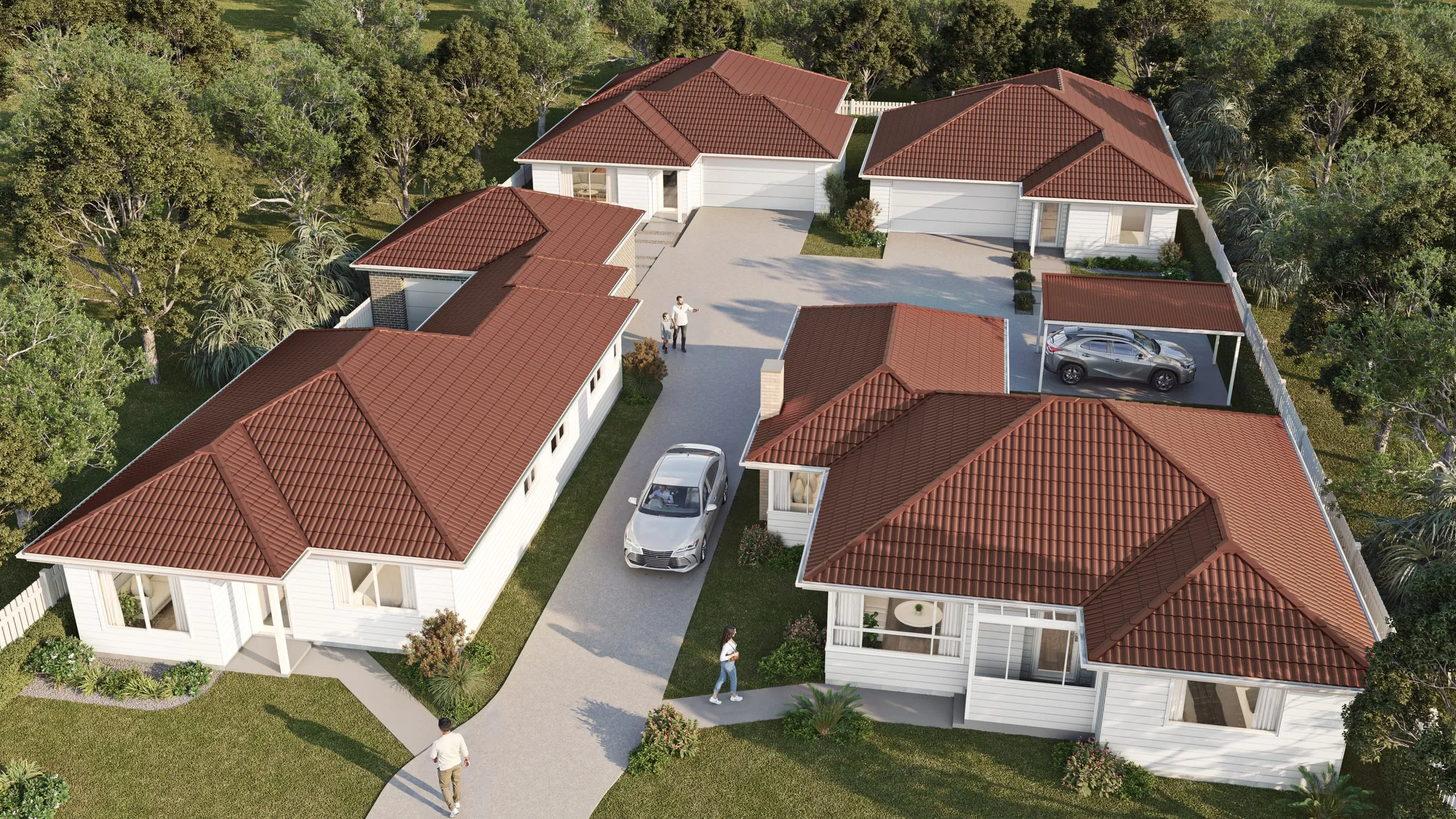
Print: think in pixels per inch at the printed size
For printing that is read up close — brochures, sales packs, magazines — the usual rule is about 300 pixels per inch at the printed size. A full-page brochure image needs roughly 2,500 × 3,500 pixels; a double-page spread about twice that width. A 4K render prints at about 13 × 7 inches at that density — enough for a full-width image on a brochure page. A full-bleed page, a spread or a cover is where 8K, at about 26 × 14 inches, starts to matter.
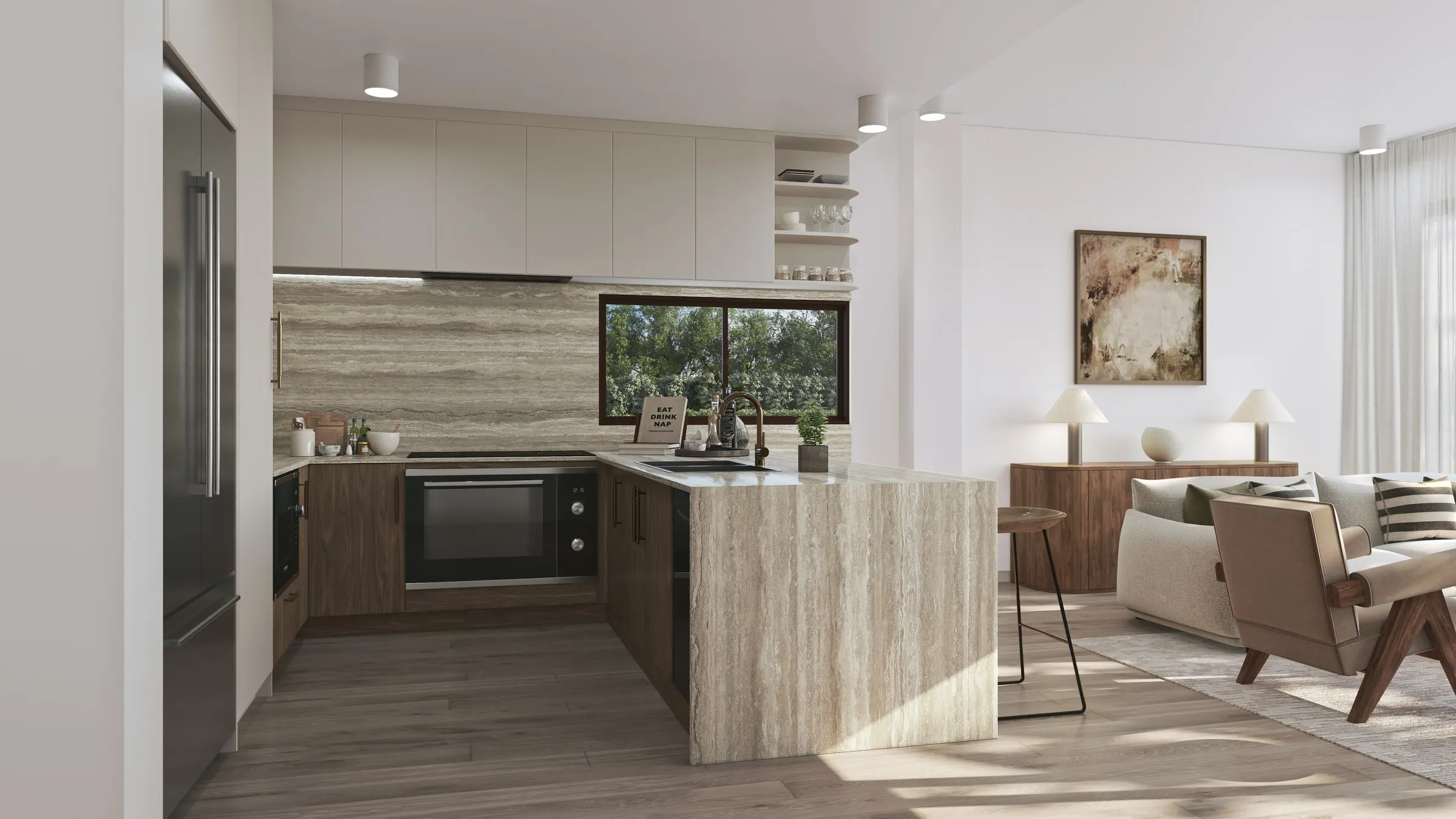
Hoardings: distance changes everything
Large-format prints are viewed from a distance, so they are produced at far lower pixel densities than a brochure — the right figure depends on the size and the viewing distance, and your printer will specify it. What matters more is the aspect ratio: a long, low site hoarding needs a wide composition planned at the camera stage, not a standard frame cropped into a strip.
Work out the pixels for your print
Enter the printed size and the pixel density, and this shows the pixels the render needs and whether 4K or 8K covers it.
300 suits print read up close. For a hoarding or a large board, use your printer's figure.
Give the studio those pixels and the shape of the print before the camera is set, so the composition is planned for it rather than cropped later.
Hoarding and scaffold prints in the City of Sydney
In the City of Sydney, the code for construction-related temporary structures sets some of the sizes. A fence-type (Type-A) hoarding is at least 2.1 metres high, and the community information panel on it can take up to 10 square metres. Where the code requires a scaffolding wrap, a graphic has to cover the whole scaffolding surface, or a lesser area the City approves, and a facade replication image is one of the permitted graphics, alongside artwork and historic images.
A facade image printed across a scaffold is the extreme case of the aspect-ratio point above: compose it for the scaffold’s real proportions from the first camera, and get the printer’s pixel requirement before rendering.
Sources, checked October 2026: City of Sydney, Code of practice: construction-related temporary structures on and above roads.
Film
Architectural film is delivered at 4K for most uses, and at 8K where it will be shown on large screens or needs to hold up to cropping. Frame rate matters too: 30 frames per second is standard for most film, and 60 gives smoother movement on screens that support it. Our films are delivered at 4K or 8K, at 30 or 60 frames per second.
Formats to ask for
- Print: high-quality TIFF or PNG, at the full rendered size.
- Web and social: JPEGs sized for each platform, plus square and portrait crops.
- Your own adjustments: layered files, so your designer can adjust a sky or a figure without coming back to the studio.
What to put in your brief
List every place the image will be used — website, brochure, hoarding, display suite screen, social media — and the largest size it will ever be shown. The studio can then choose the camera, aspect ratio and resolution once, instead of re-rendering later. Our guide to briefing a rendering studio covers the rest of what to send, and every still we make is delivered at 4K or 8K, or at print resolution — see our services.